---
title: "Custom HTML skins"
canonical_url: https://support.digitalphotogallery.com/articles/article/07414412-b299-11e6-89d4-be279144b405
short_url: https://dpg.support/apys
category: "Websites > Developers > General"
locale: en
updated_at: 2025-06-25T23:56:34Z
source: Digital Photo Gallery Support
---
# Custom HTML skins
Custom HTML skins allow you to completely integrate the look and feel of your current site with a DPG powered gallery.
Skins consist of a single HTML file which is added to your Digital Photo Gallery site.
To access custom skins first make sure to switch to [development mode](https://support.digitalphotogallery.com/articles/article/a6803b1a-62f2-11e6-adab-be279144b405).
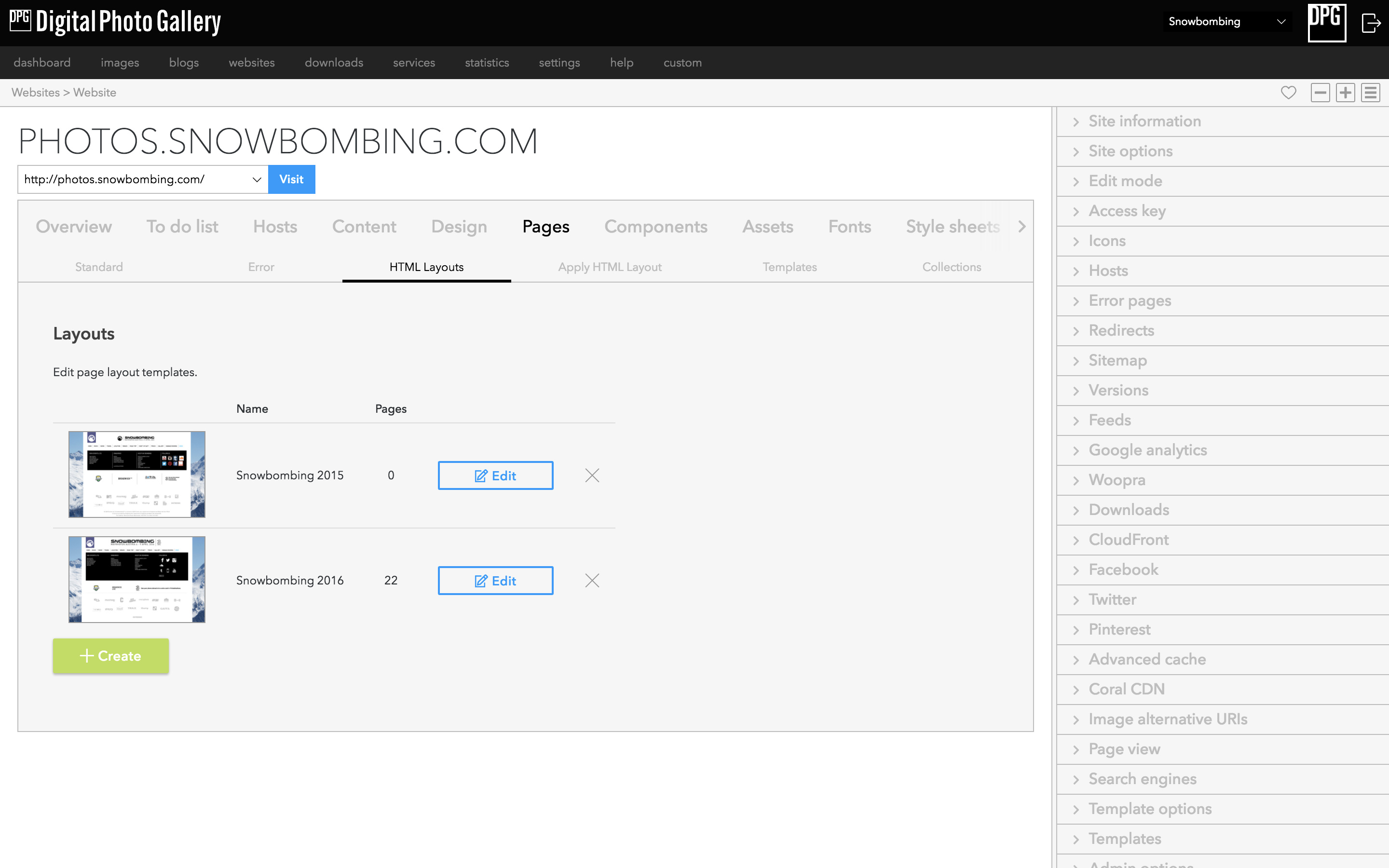
HTML Layouts are found in the pages section of your DPG site
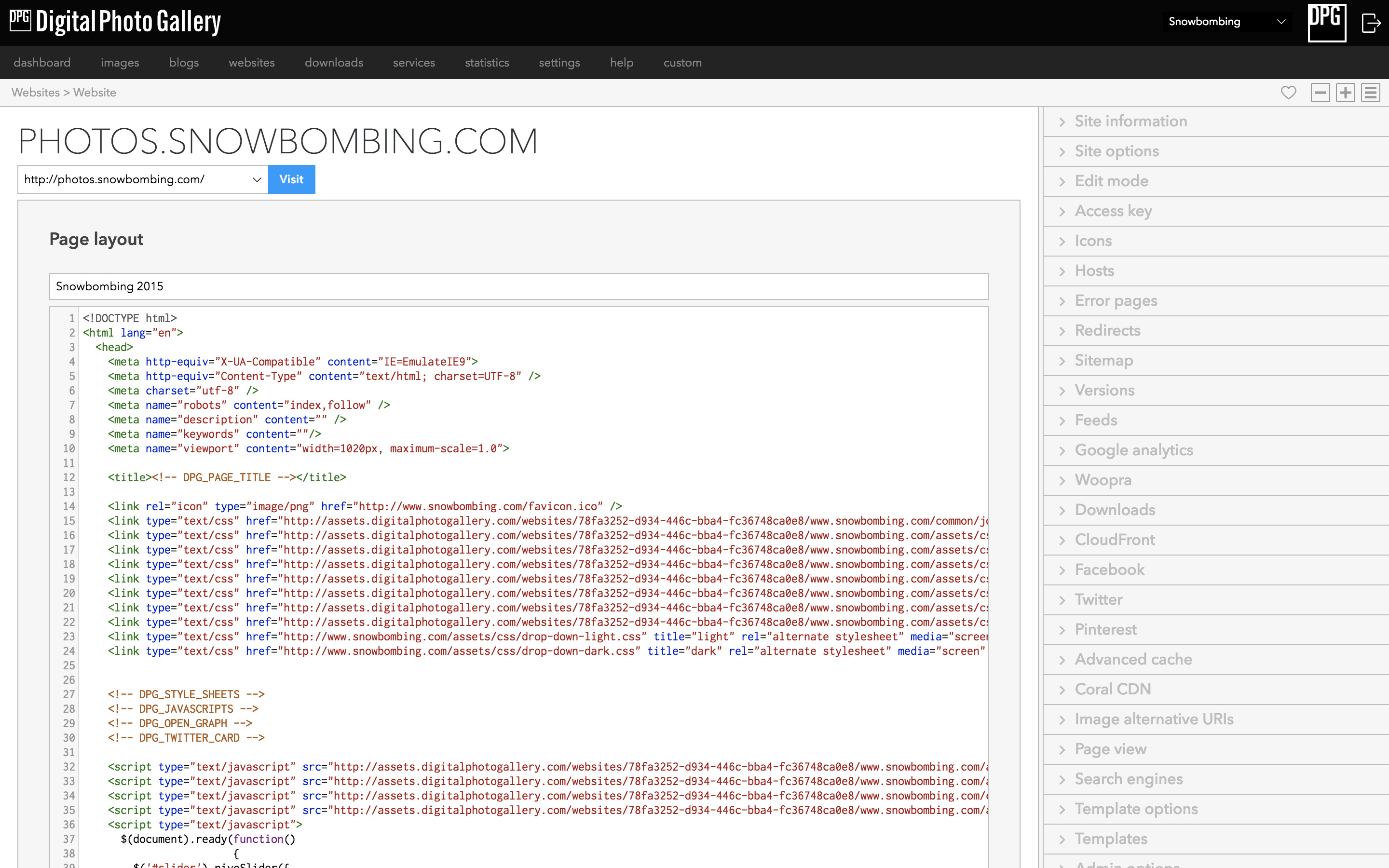
Layouts can be edited using the built in code editor.
> 💡 **Tip:** Most people choose to host any assets linked in their template from their primary website or CDN.
There are various includes which should be added to your HTML file:
```html
```