---
title: "Using HTML in image description"
canonical_url: https://support.digitalphotogallery.com/articles/article/d2969048-0c00-11e7-ac7e-6e427e8a5d79
short_url: https://dpg.support/aqyj
category: "Images > General"
locale: en
updated_at: 2017-03-18T17:56:31Z
source: Digital Photo Gallery Support
---
# Using HTML in image description
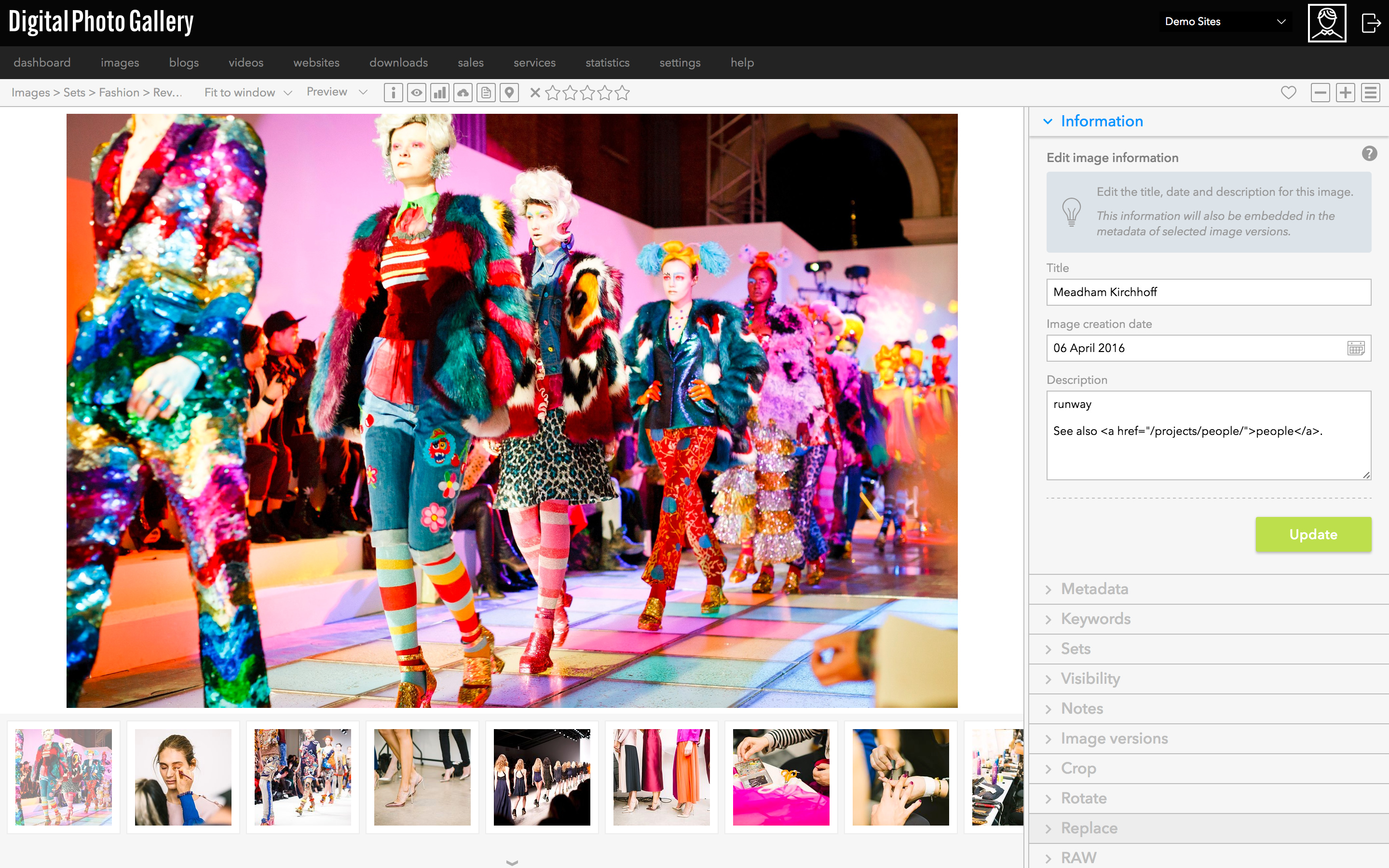
You can use HTML in the image description field. For example, to link to an external site use the following code:
```css
[Link text here](https://www.google.com)
```
> 💡 **Tip:** When linking to an external website be sure that you enter full URLs including the http:// or https:// prefix.
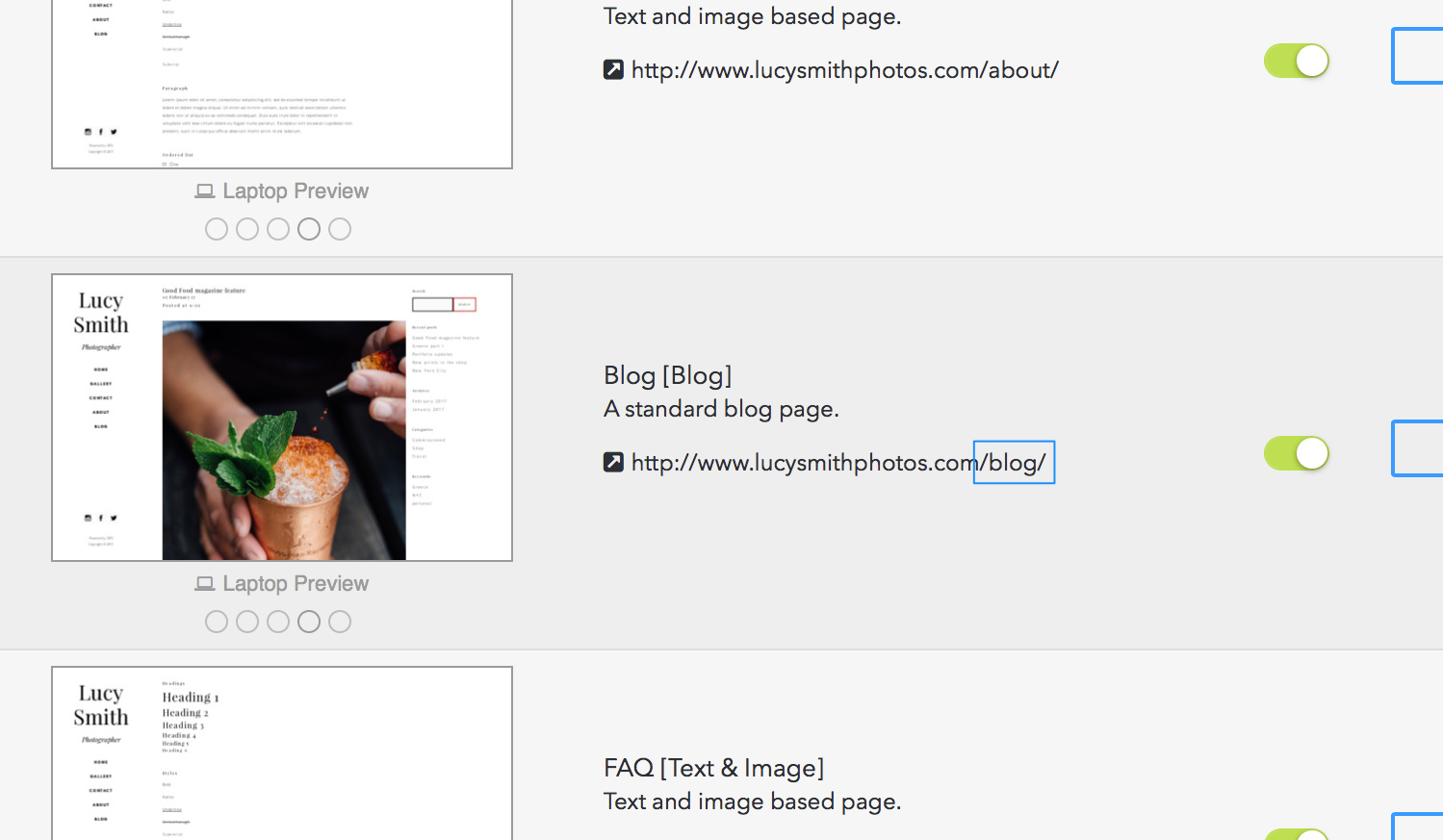
If you are linking to another page on your DPG site, you only need to include the part of the address after the / at the end of the domain name.
For example, to link to your blog page, you only need to enter /blog/:
```css
[See more on my blog](/blog/)
```