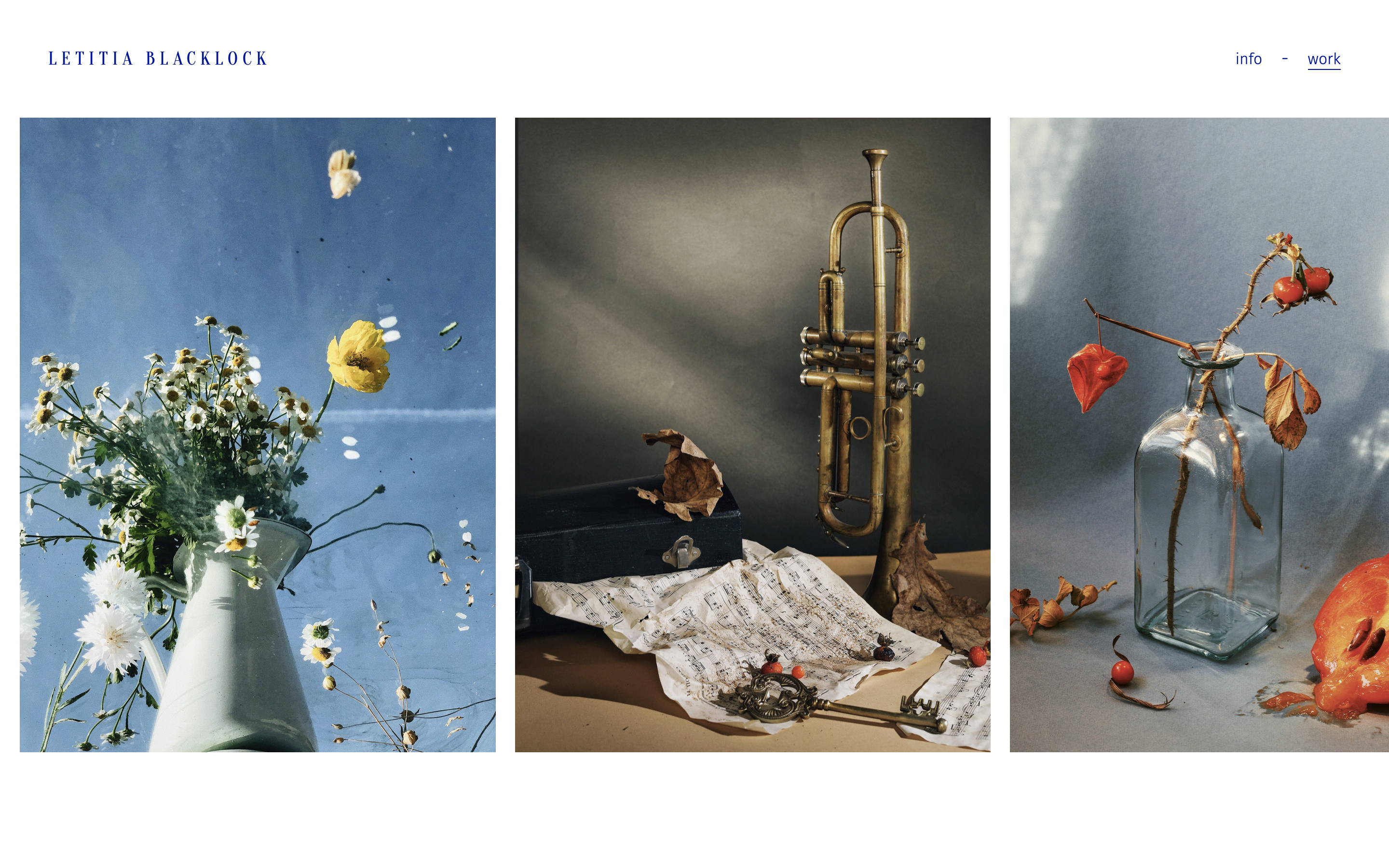
Each of the demo sites on this page is made from the same Essential Portfolio template. Using the Design section you can choose from a selection of pre-made themes, headers, footers and gallery layouts to mix and match on your site. Each layout and theme can then be customised further, changing anything from image size and number of columns to colours, typography and animation styles.
Portfolio demo
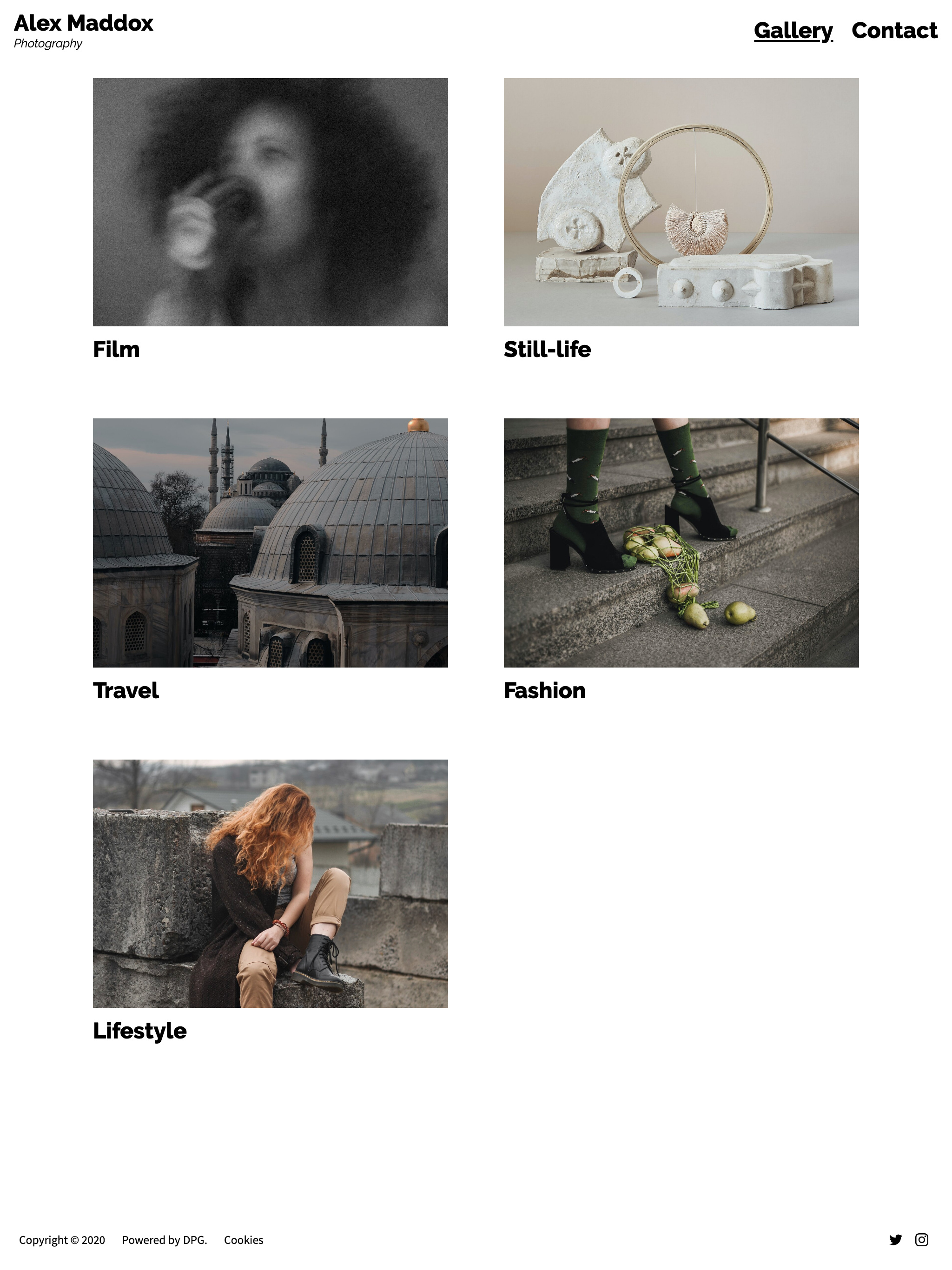
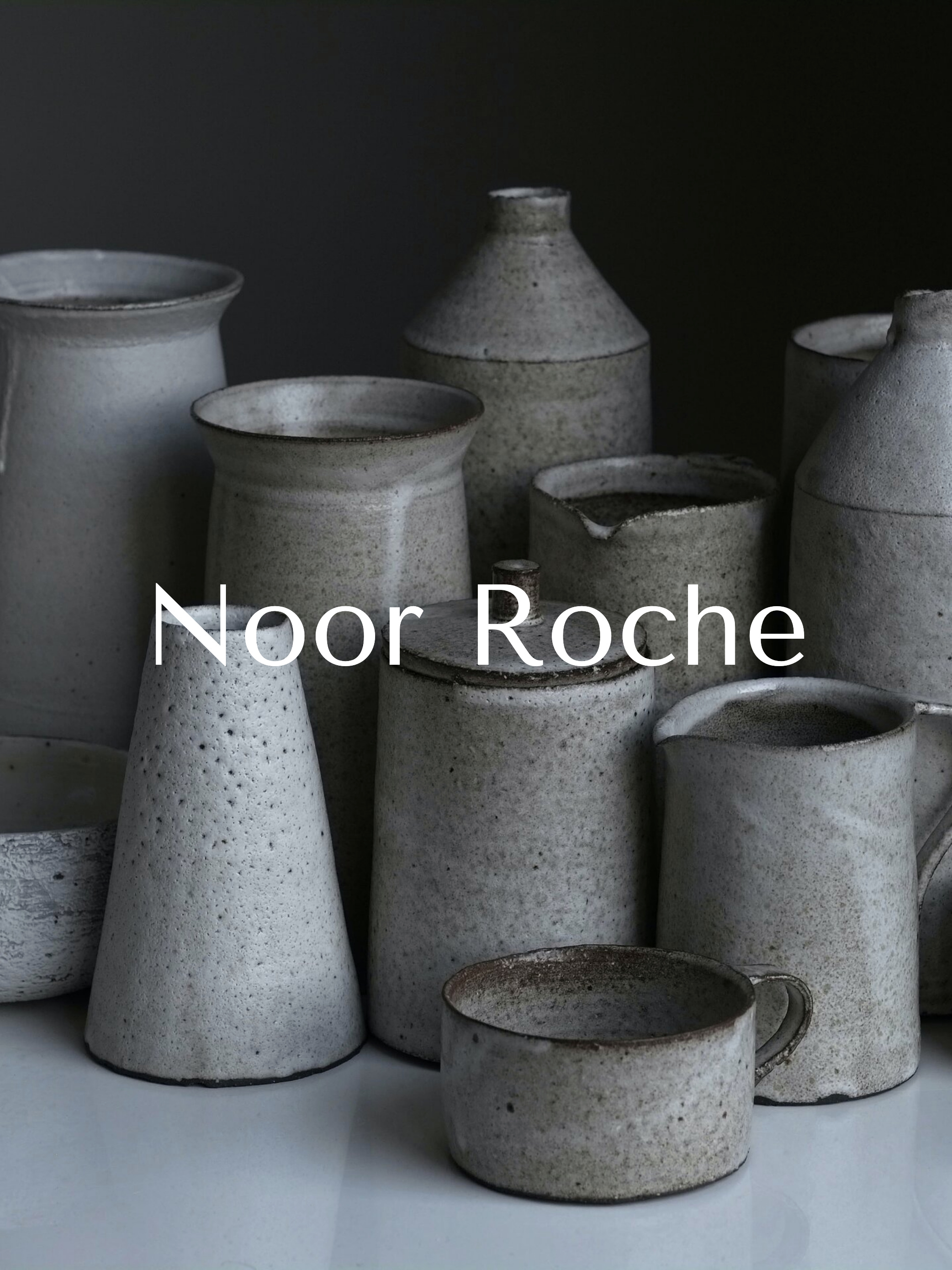
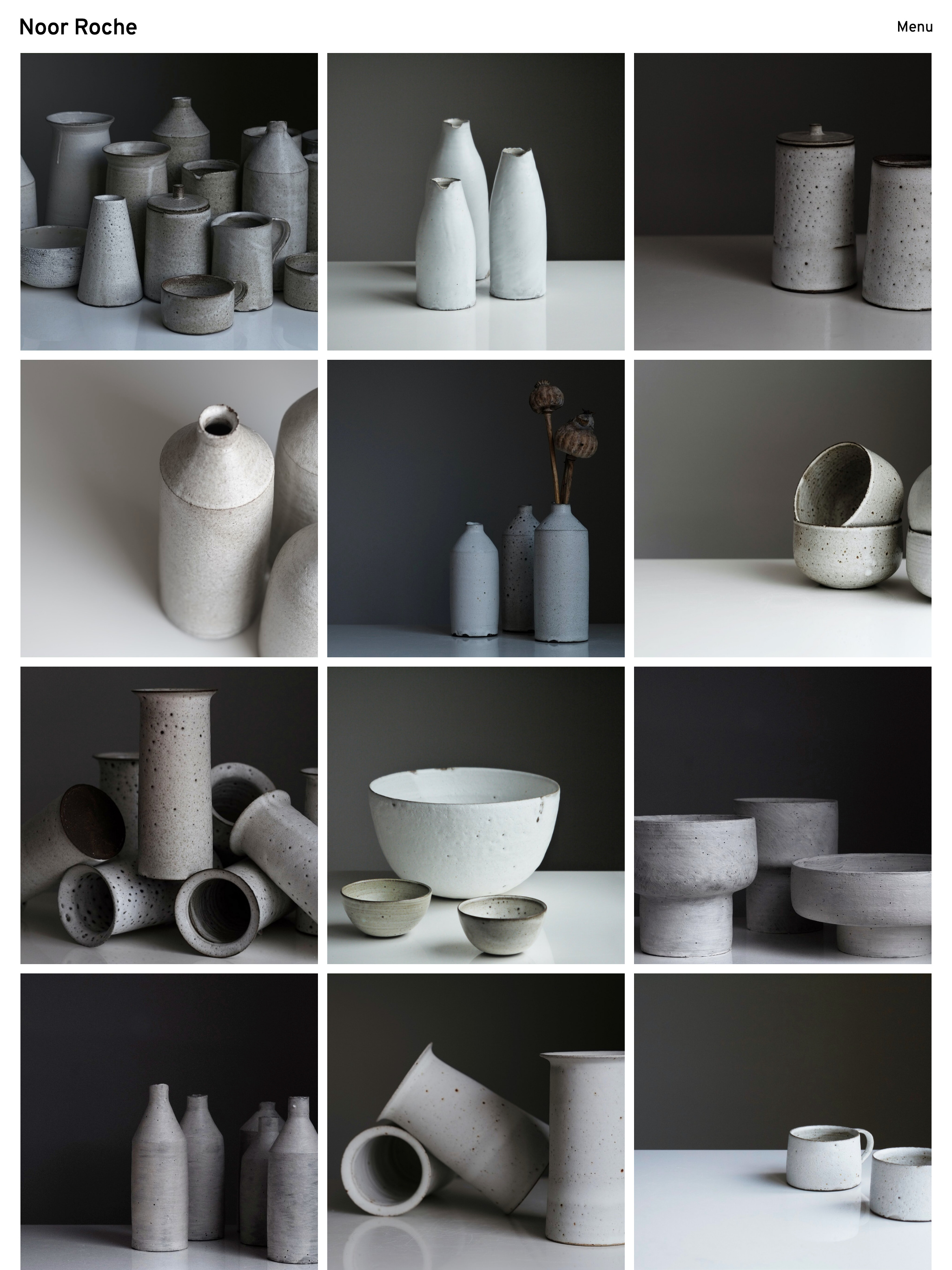
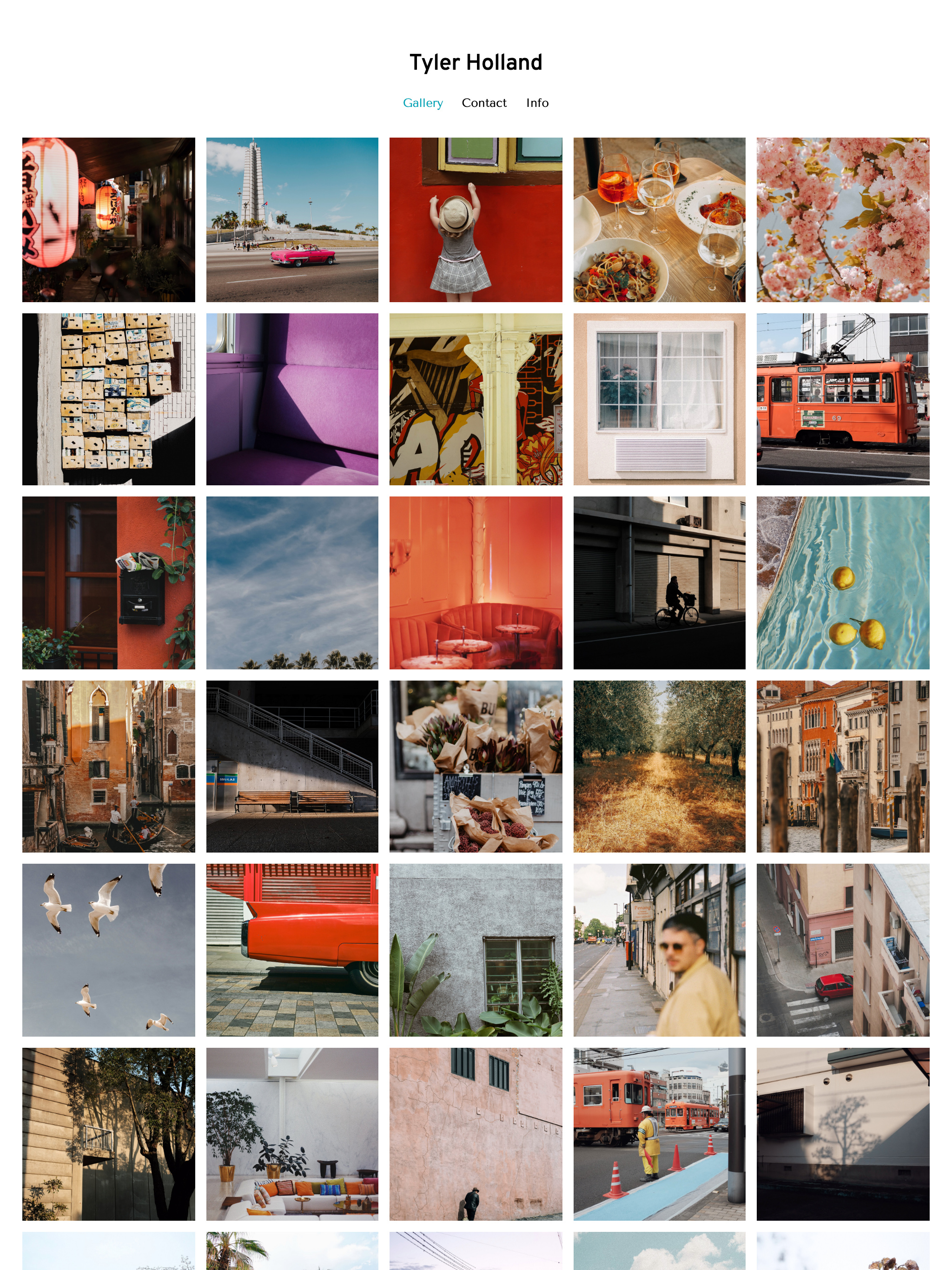
Site made using the White theme. The splash page leads to a gallery of sets in the Uniform Grid layout. The header uses Split Top Bar navigation.
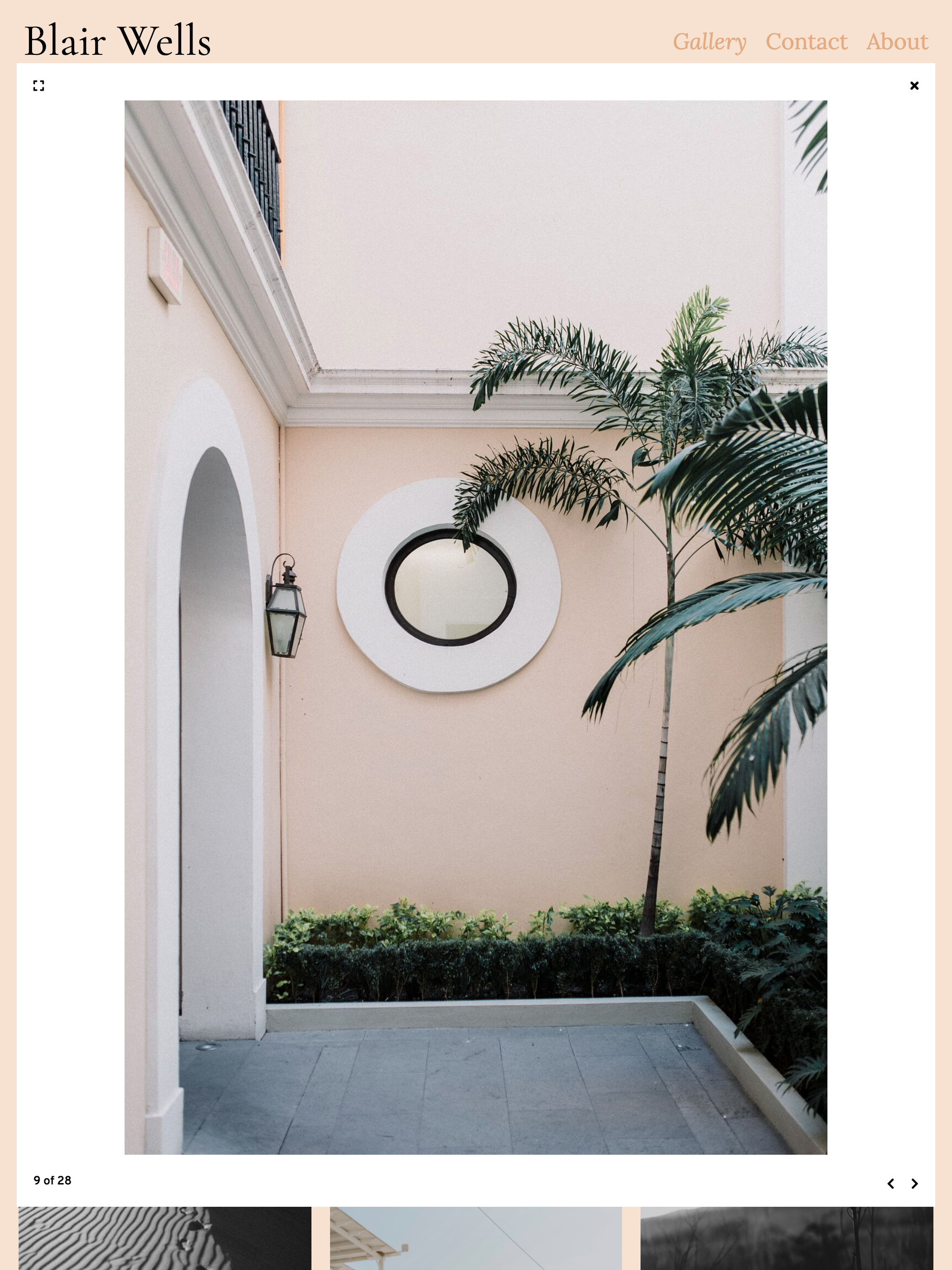
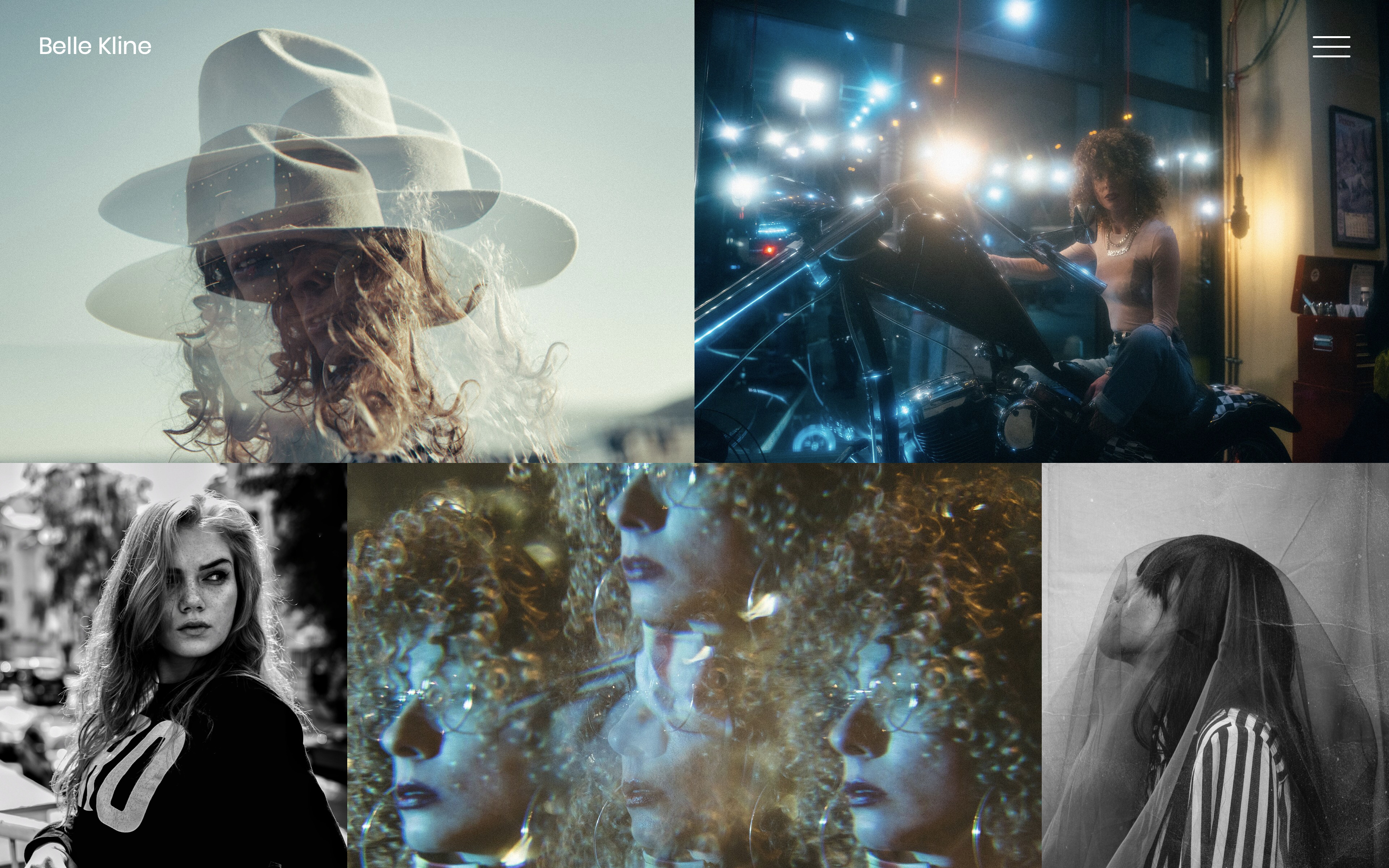
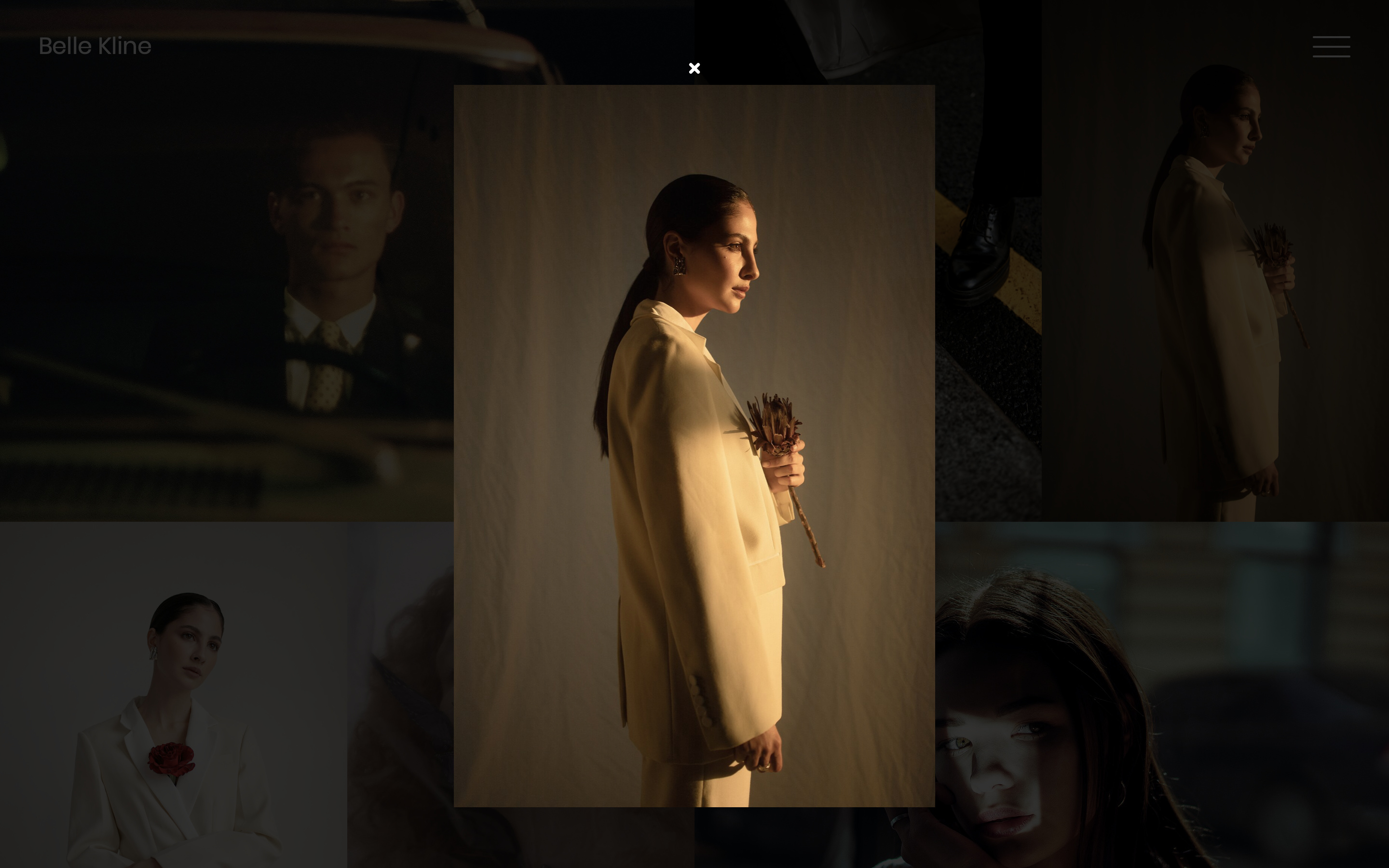
The index view layout is the Regular Grid with the Minimal lightbox single view on click.
Portfolio demo
Layouts are applied to each page, which means that sites can have multiple pages with different layouts to suit your work.
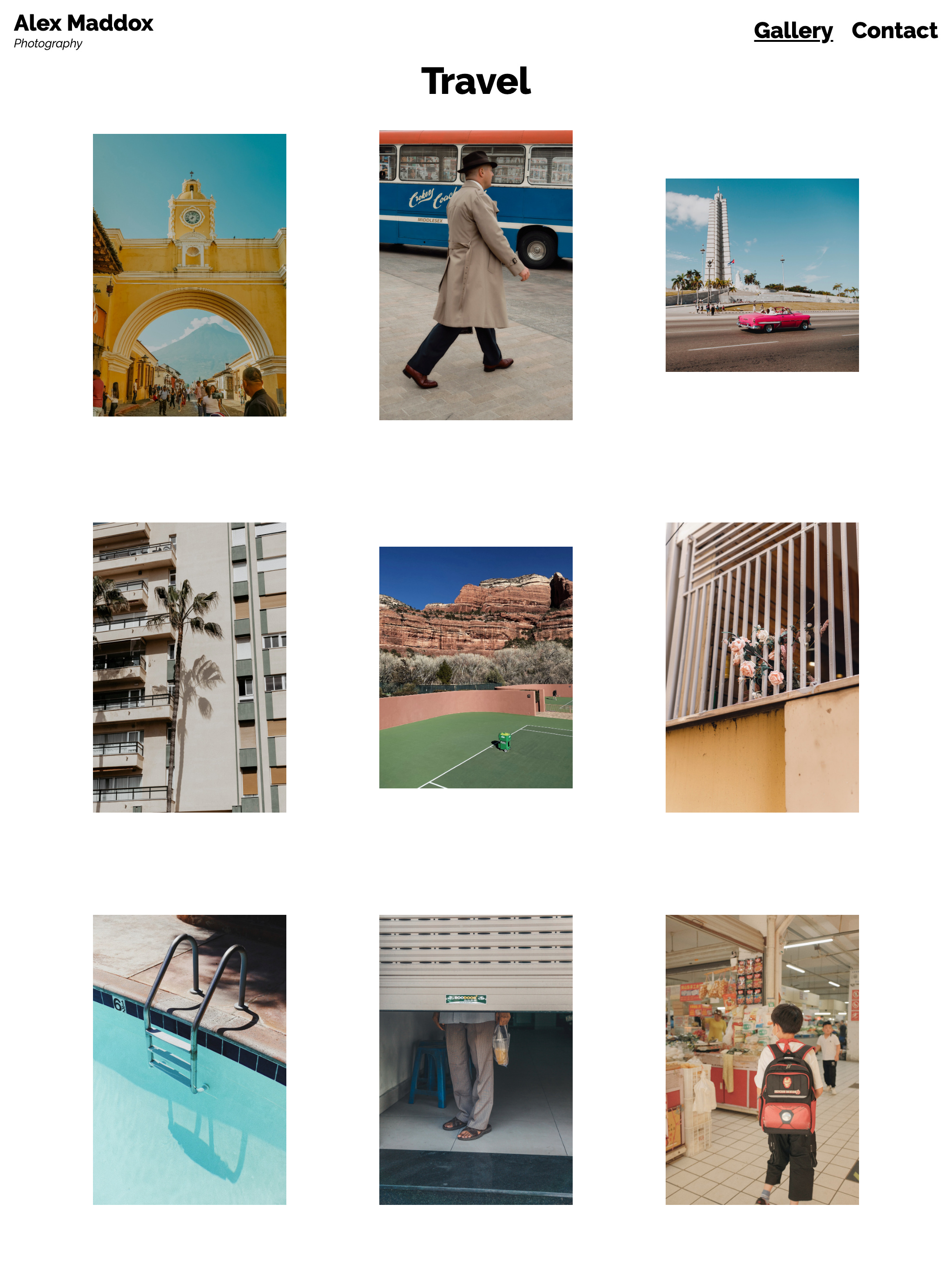
Here you can see Horizontal Masonry (portfolio), Regular Grid (travel), Stream (handmade), and Masonry (food & floral) layouts applies to pages on the same site.
The navigation is the Hamburger menu in Fullscreen and Horizontal configuration.
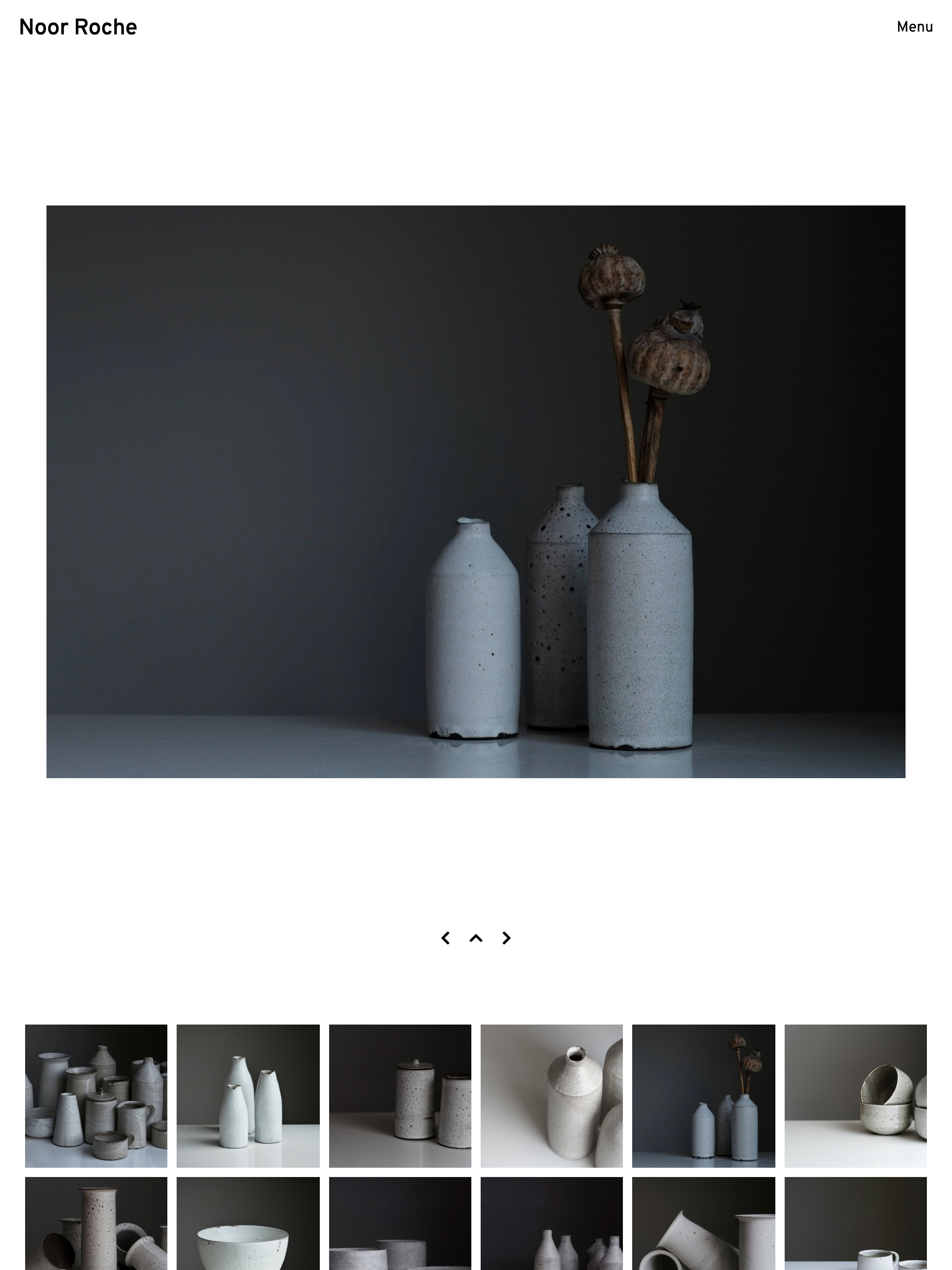
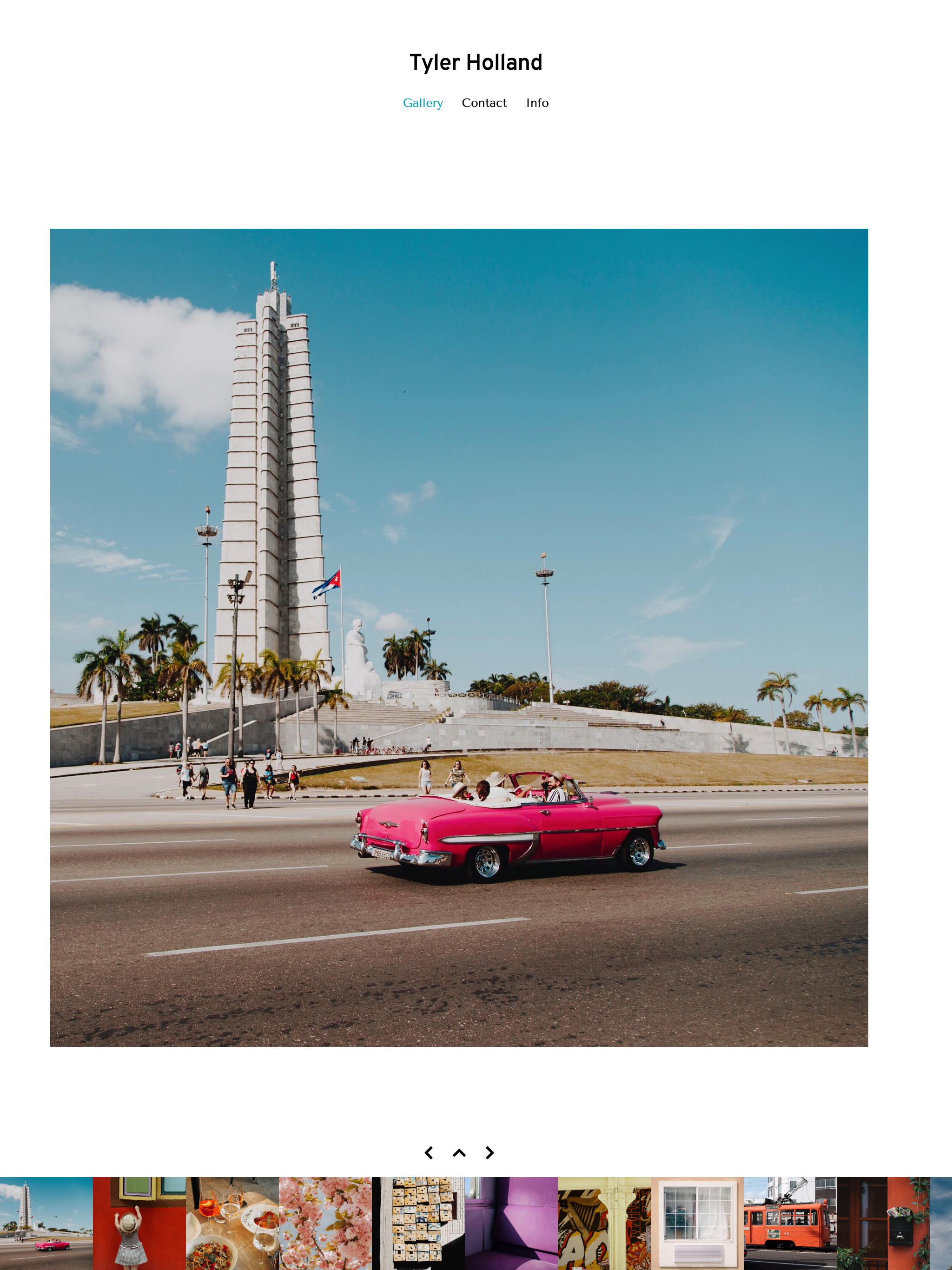
Single view layout is Stacked with square grid thumbnails for further navigation.
Portfolio demo
Demo showing Dark theme without splash page, jumping straight into a sets view in List layout with full-page image on hover. Hamburger menu triggers sidebar navigation.
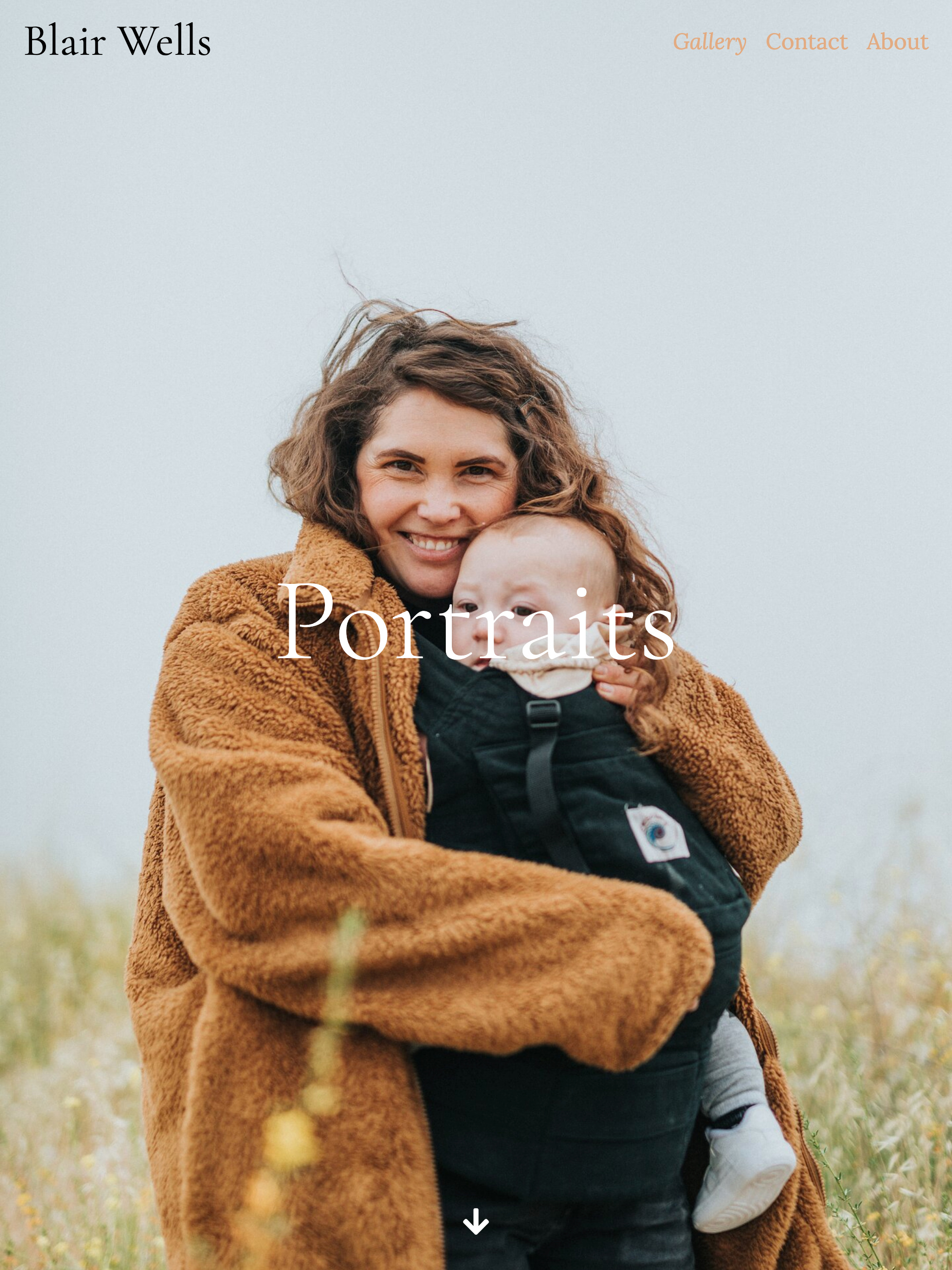
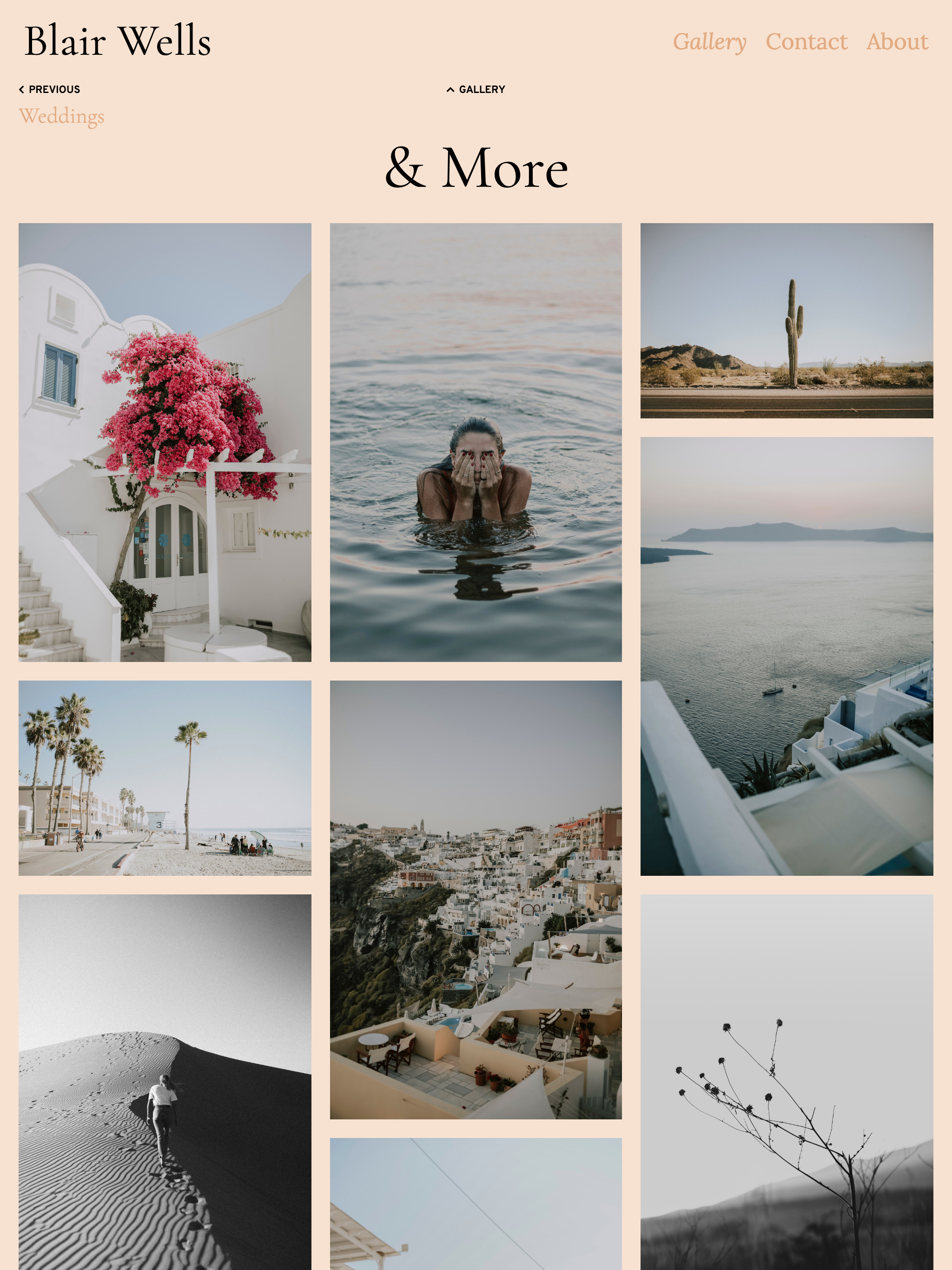
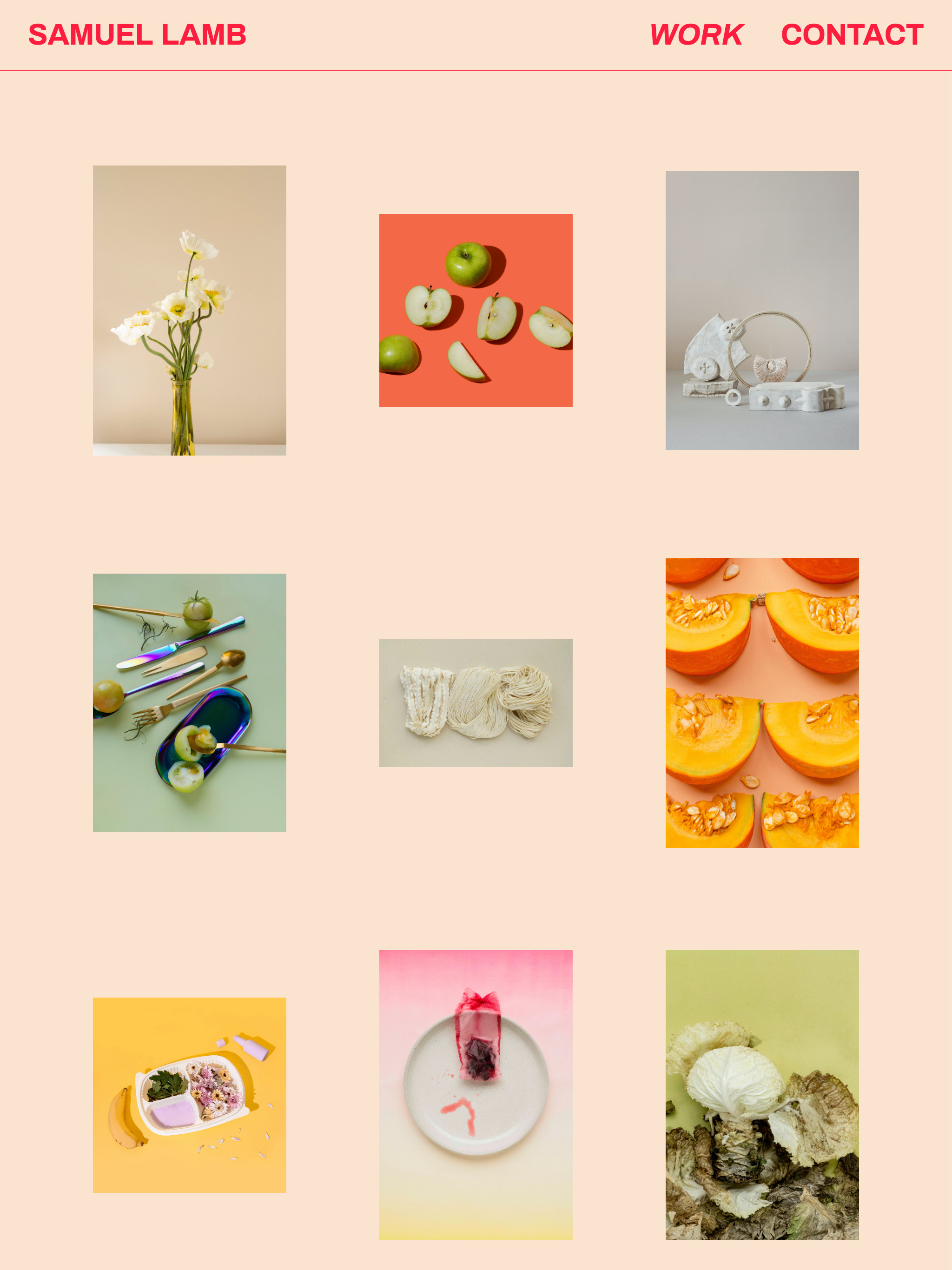
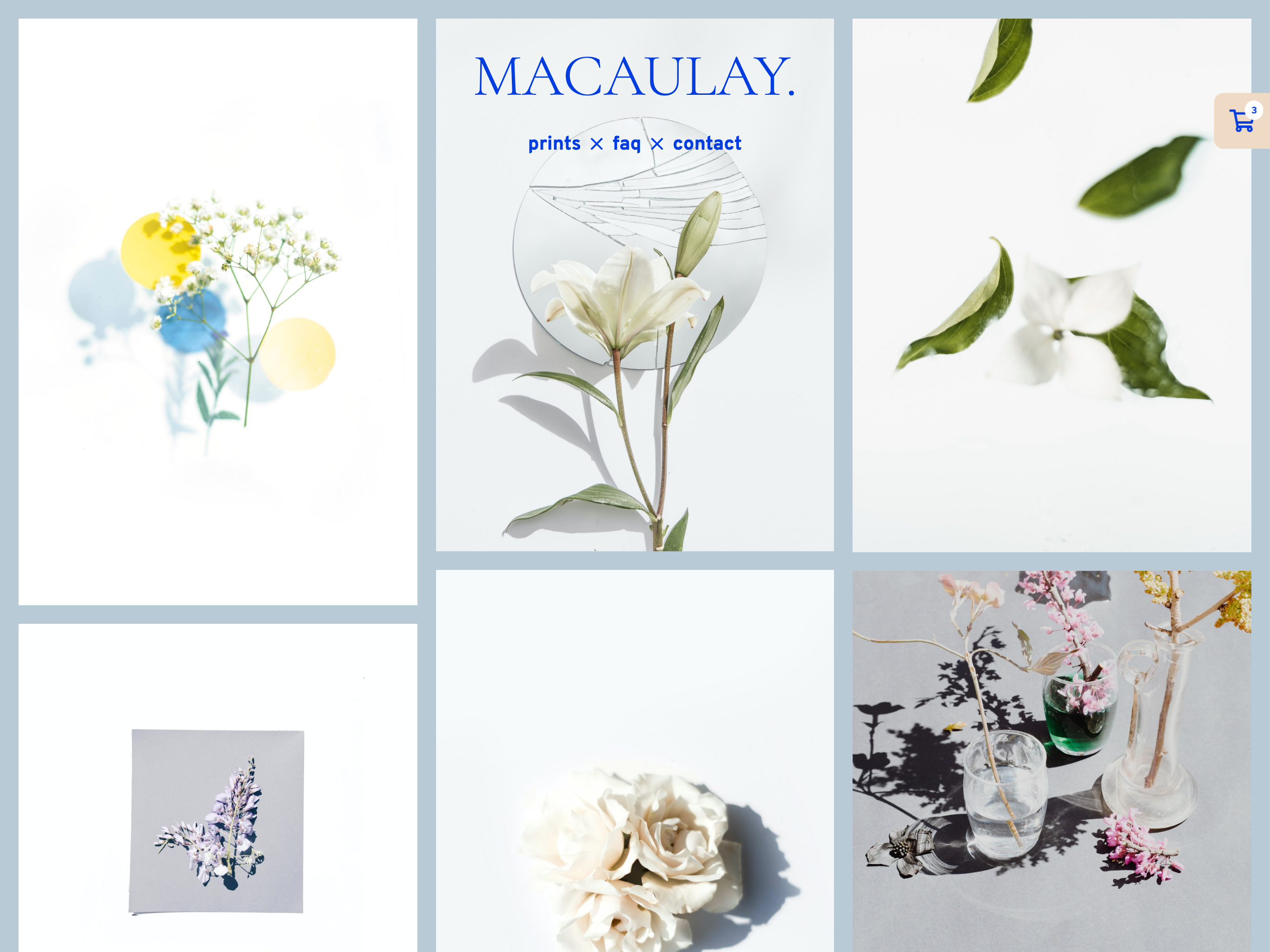
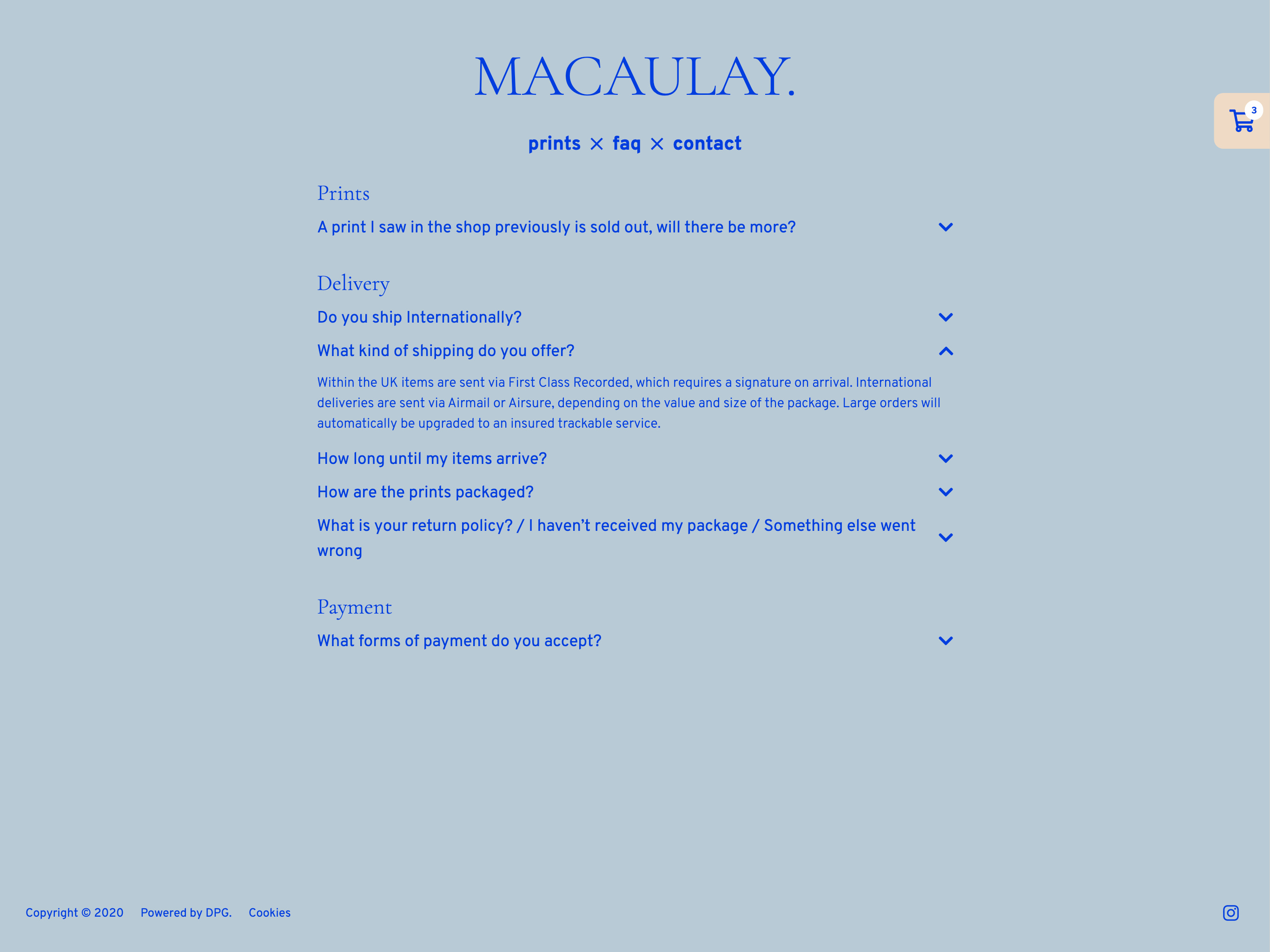
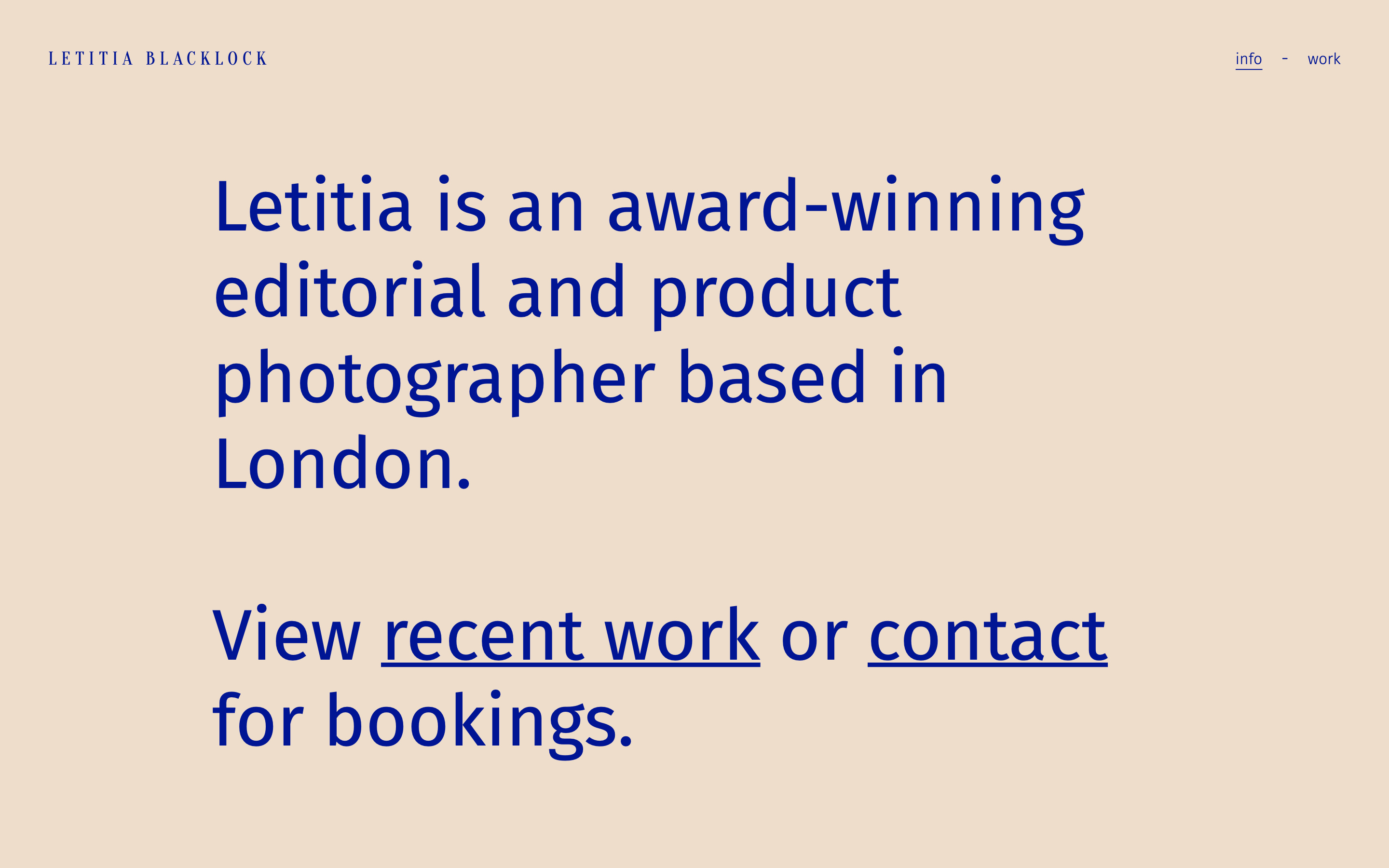
Bold and colourful customised theme with splash leading to index view gallery in Regular Grid and Split Top Bar navigation. Single view Frame lightbox on click.