DPG handles the Google Analytics code, all you need to enter is the Tracking ID for example UA-92234-1.
Statistics - Google Analytics
This option needs the Standard edit mode. Learn more about edit modes
If you have an account with Google Analytics then you can enable tracking on your DPG powered website.
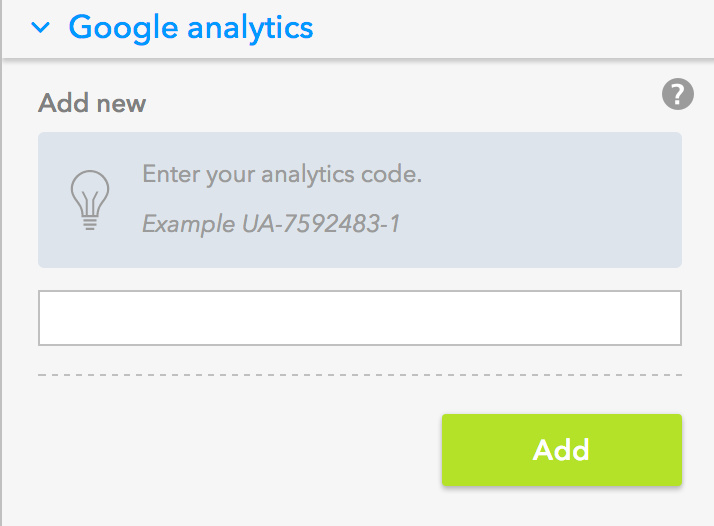
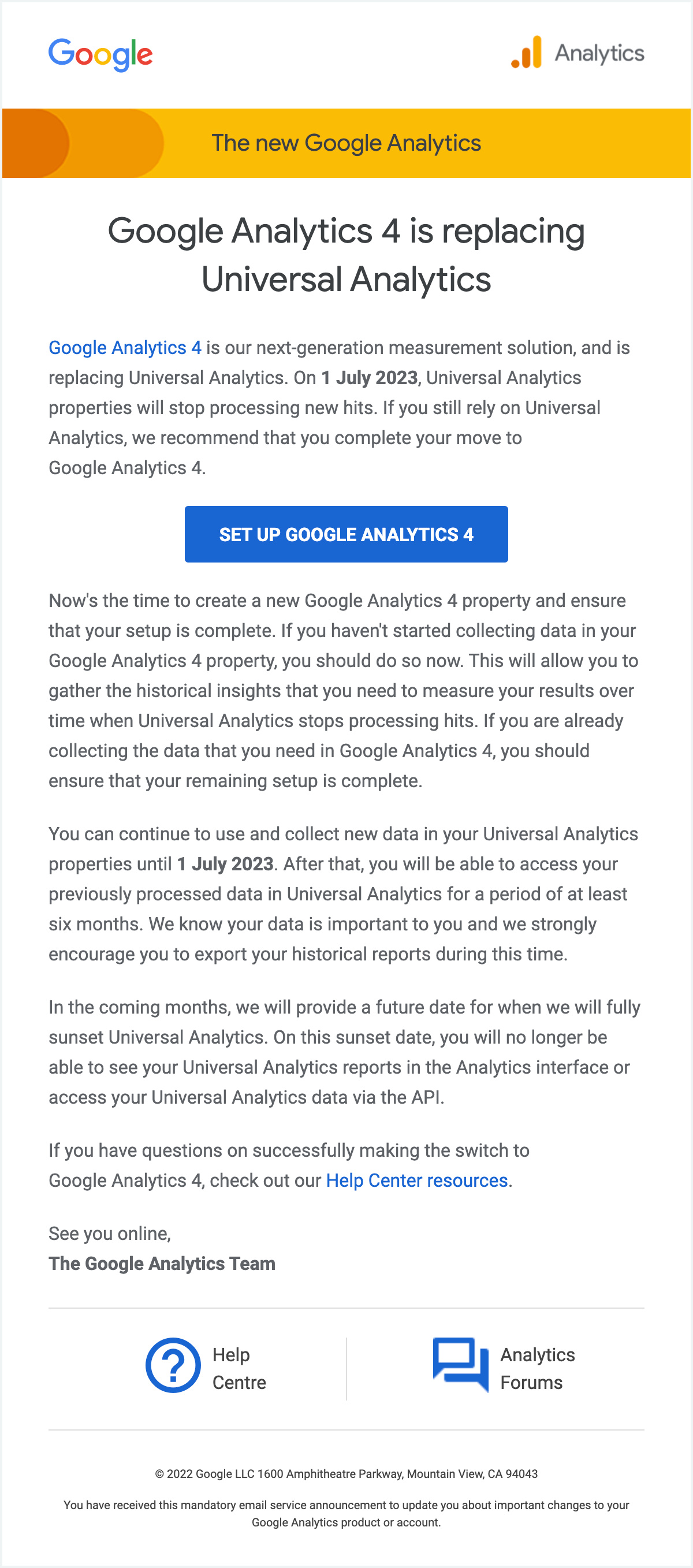
If you are using Universal Analytics which is the older version of Google Analytics, Google will have asked you to upgrade. To do this you need to follow the wizard inside Google Analytics to create a new property. Once you've done that you'll be given a new tracking code that looks like G-SFQYEB5WYE rather than the old format UA-92234-1. Add the new code as above and everything should start working for the new property.